1 credit · 1 photo
AI Halloween zombie generator
One selfie in, one menacing zombie portrait out — decayed skin, sunken eyes, moonlit graveyard. Halloween-card ready.
Powered by FLUX · ~30s · 7-day input deletion · You own the photo
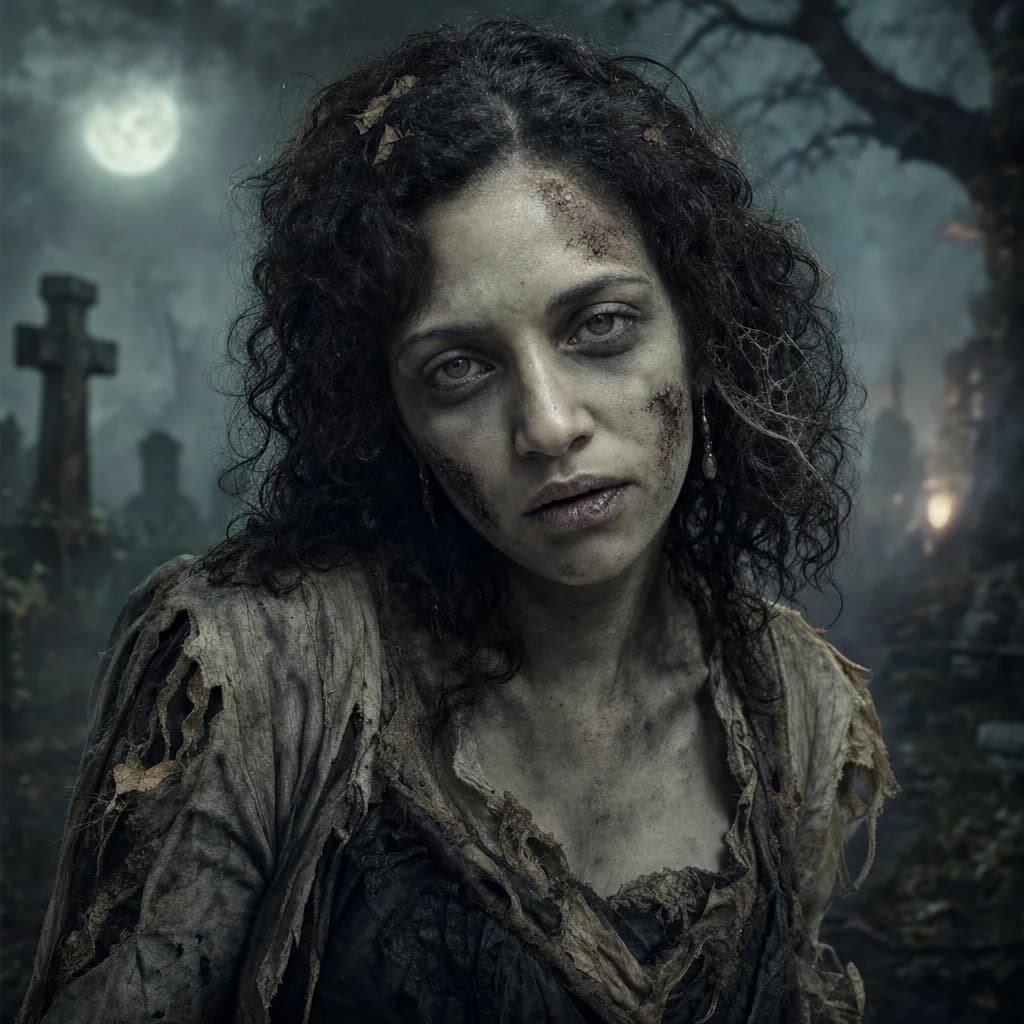
The AI Halloween zombie generator takes one selfie and renders you as a horror-grade zombie — decayed skin texture, sunken eyes, pale tone, dim moonlit graveyard backdrop. Lumapic preserves identifiable features and applies the genre's makeup-and-prosthetics aesthetic in about 45 seconds.
About this template
What makes the halloween zombie look work.
Movie-grade zombie effects combine a few specific elements: decayed skin texture with visible wounds and discoloration, sunken hollow eyes, pale waxy skin tone with veins visible underneath, and a setting that supports the mood (graveyard, abandoned street, dim moonlight). The look needs to be menacing without crossing into cartoonish.
Lumapic's Halloween zombie model preserves your underlying face geometry — so the zombie still reads as recognizably you — while applying the decay aesthetic. We don't change ethnicity, alter facial bone structure, or replace your face with a stock zombie model. The result is you, transformed by effects, not replaced by a different character.
The model handles the format's failure modes: skin decay reads as real makeup-and-prosthetics texture (not a Photoshop overlay); eye sockets sink in a way that's anatomically grounded; the surrounding scene supports the mood without competing with the subject.
What to use it for
Six real surfaces.
- Make a Halloween card or party invitation
- Render a costume-party reference photo before the event
- Use as the cover for a horror-themed podcast or YouTube channel
- Make matching zombie portraits for a friend group's Halloween shoot
- Render the visual for a horror-themed Twitch stream overlay
- Use as a costume-makeup reference for a real photoshoot
How it works
From upload to finished photo.
01
Upload one front-facing photo
JPG, PNG, or WebP, at least 1024px. Face clearly visible, neutral or stern expression reads best.
02
The model renders the zombie pass
Decayed skin texture, sunken hollow eyes, pale tone, moonlit graveyard or abandoned setting, dim blue-gray color grade.
03
Download the result
Final JPG at 2048px. About 45 seconds. 1 credit. Use as Halloween-card image, costume reference, or themed event invite.
Tips for best results
What actually helps.
- A vacant or menacing expression reads more zombie than a smile
- Front-facing photos work cleanest — the decay sits across the face evenly
- Avoid heavy makeup in the input — the model adds its own zombie makeup
- Plain wardrobe in the input lets the model add the tattered zombie clothing
- Specify the era or sub-genre if you want (Victorian, modern, post-apocalyptic) — default is generic
- Run a few times — natural variation in decay placement is part of the genre
Honest comparison
How this stacks up against alternatives.
Lumapic Zombie vs. SnapChat's zombie filter: SnapChat overlays a zombie filter on your live face — fast and fun but obviously a filter at any zoom. Lumapic re-renders the full face with makeup-and-prosthetics realism, plus the scene around it. For a TikTok 5-second share, SnapChat. For a Halloween-card image, Lumapic.
FAQ
Common questions.
How does the Halloween Zombie AI generator work?
Upload your photo and we generate a halloween zombie version of it using AI image generation. Takes 30-60 seconds.
How long does it take?
Usually 30-60 seconds per photo.
Will it look like me?
Yes — identity preservation is the core priority. Your facial features, hair, and key characteristics are preserved while the style is transformed.
More like this
If you liked Halloween Zombie

Mugshot
1 creditComedic mugshot photo of you — height-chart backdrop, harsh flash, holding a generic ID placard. (Joke template, not real.)
Fantasy Creature
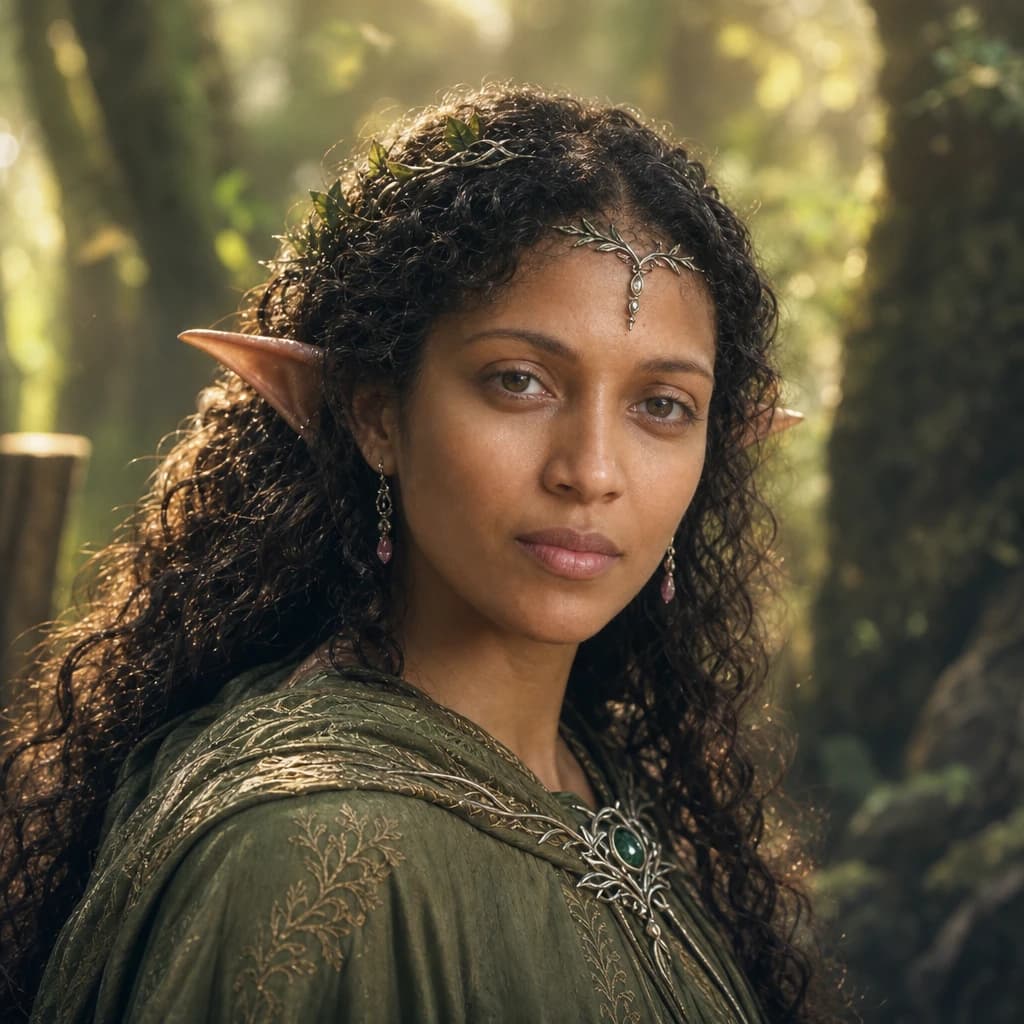
1 creditYourself as a fantasy creature — elegant elf, mysterious mermaid, ethereal fae — cinematic high-fantasy portrait.

Pirate or Viking
1 creditYourself as a swashbuckling pirate or fierce viking warrior — cinematic costume, dramatic seafaring setting.
Make your ai halloween zombie generator in seconds.
Pay as you go. Packs from $2.99. Never expire.